Split Photos
Photo and video collages with an editorial eye.
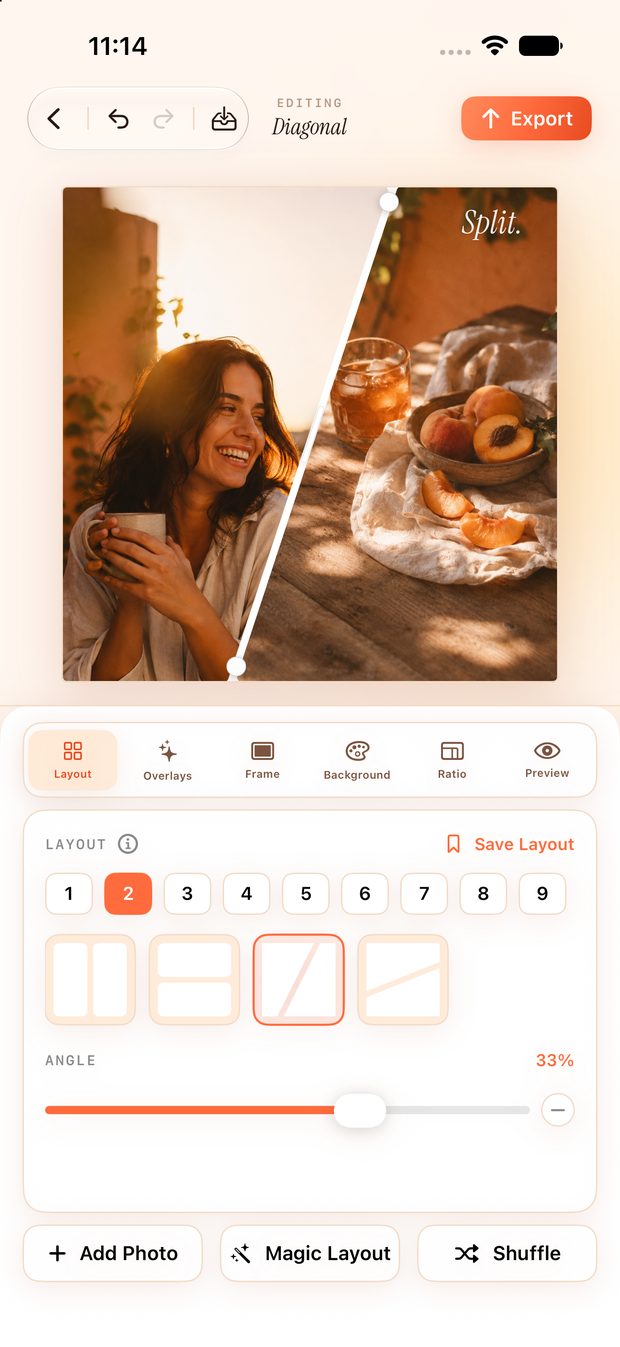
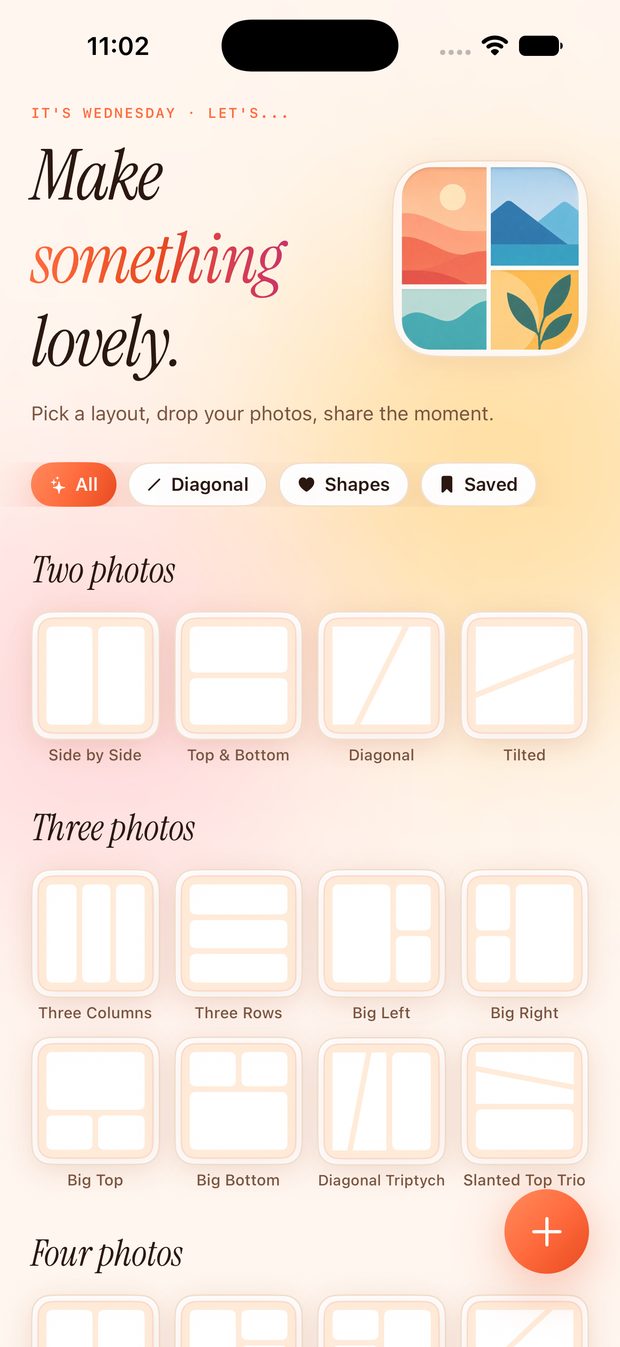
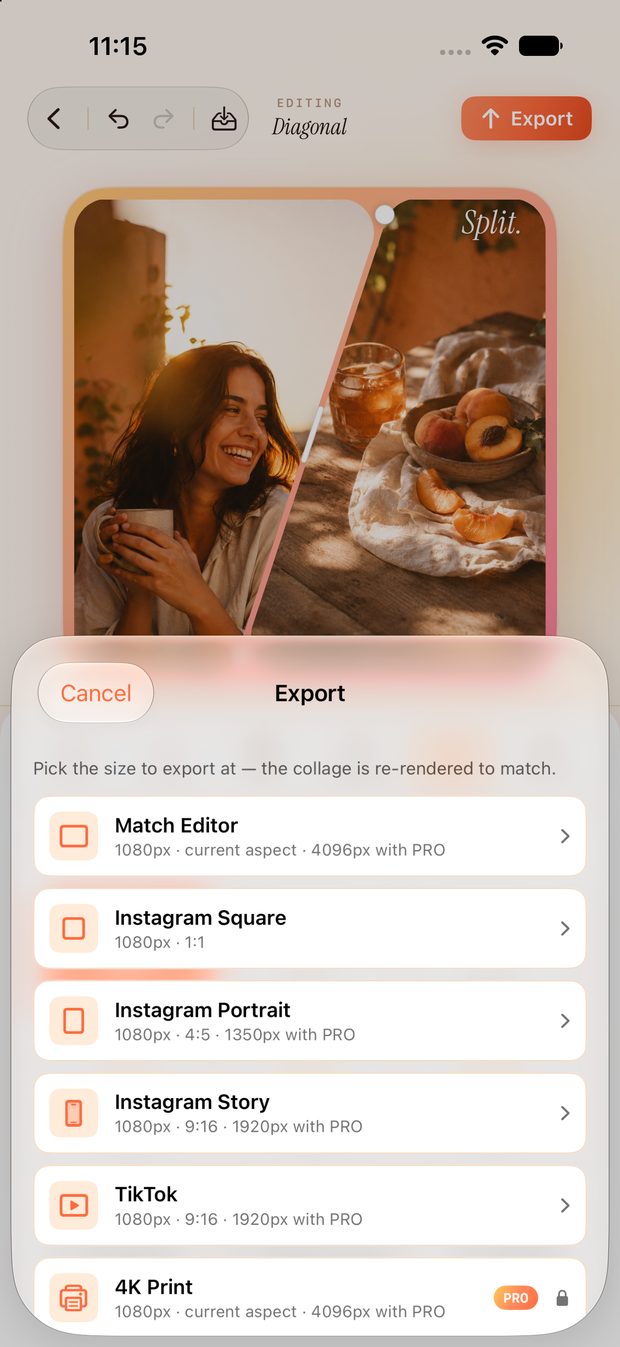
Split Photos turns a handful of photos — or video clips — into something worth sharing. Pick a layout, drop your shots in, frame each one exactly how you want, then finish with text, stickers and frames. Export a crisp still sized for Instagram, TikTok or 4K print — or a moving collage that actually plays. Everything happens on your device: no account, no ads, nothing uploaded.
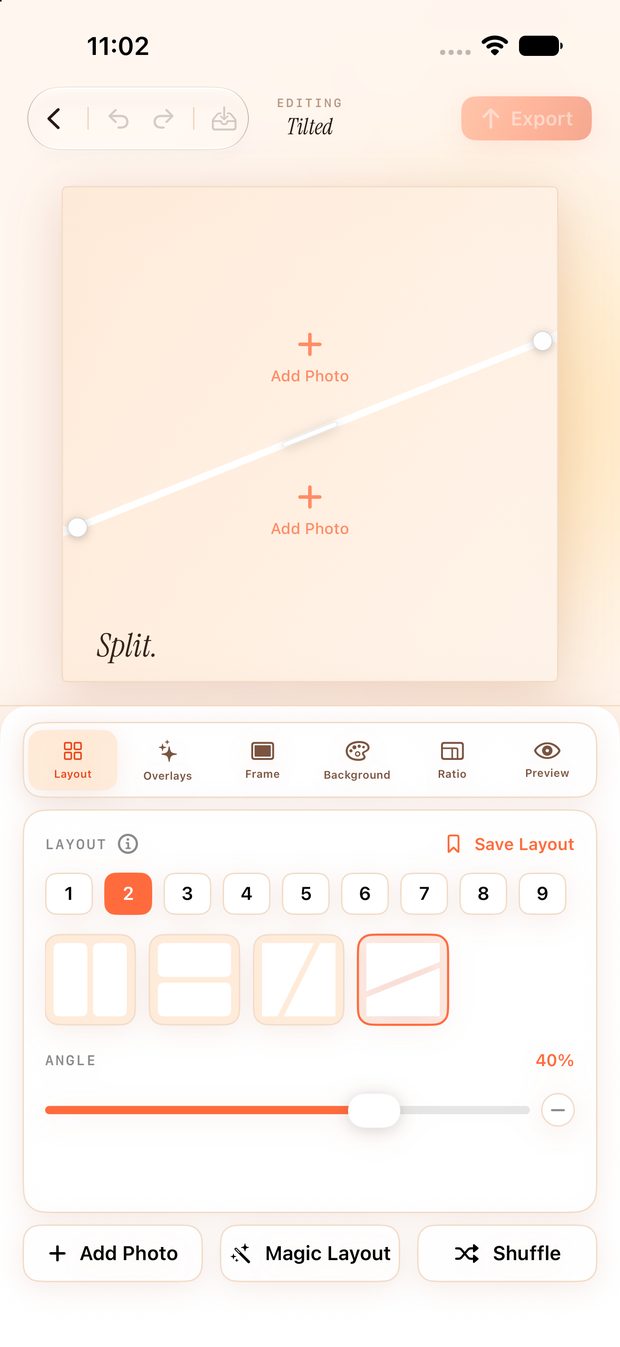
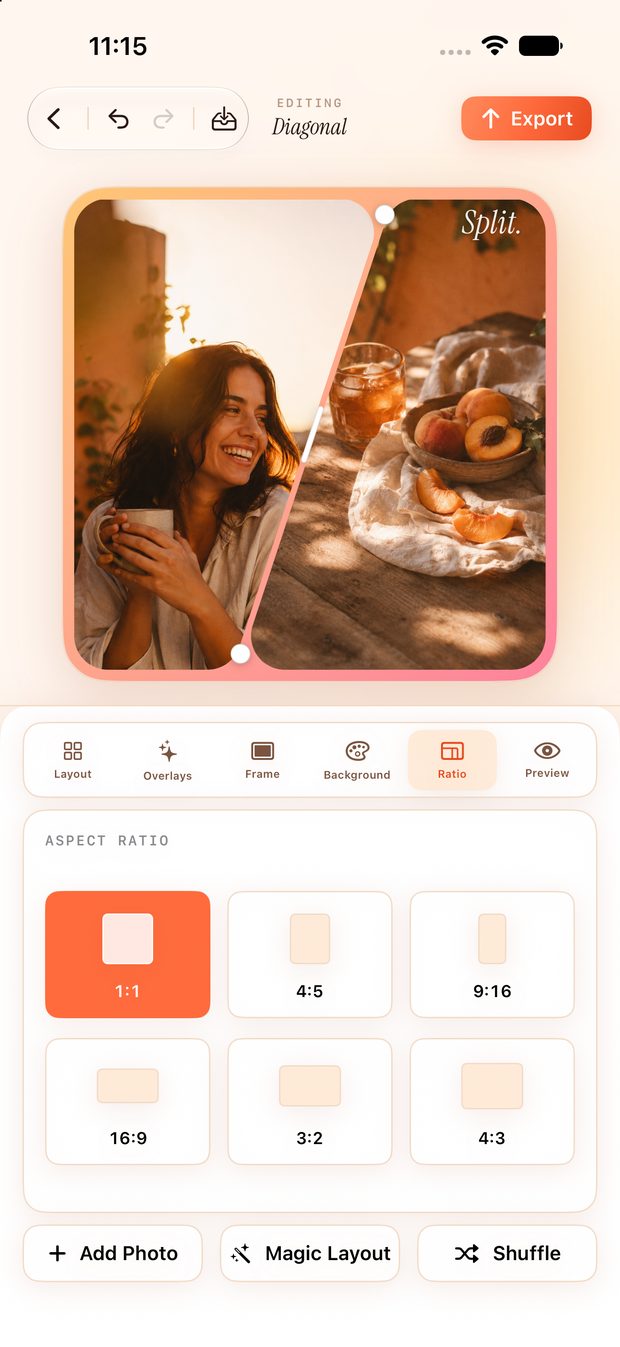
Layouts that bend to your photos
30 templates, diagonal splits, dividers that drag anywhere. Or let Magic Layout choose.
Cut the whole thing to a shape
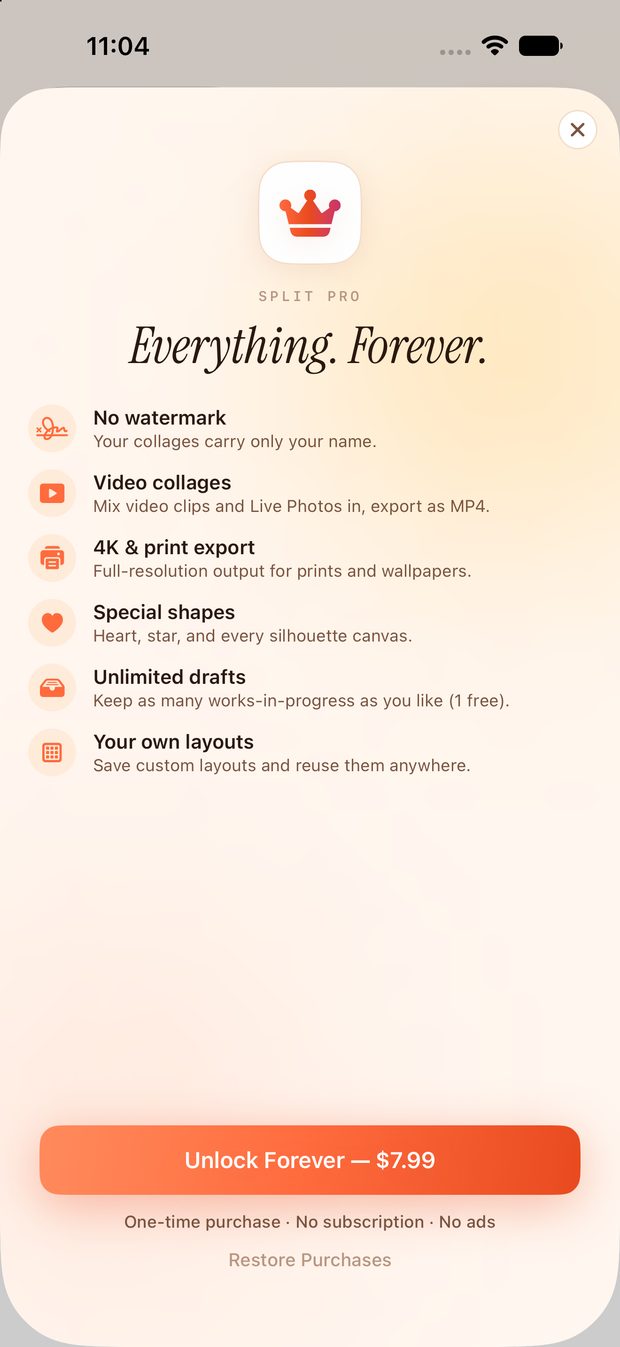
24 silhouettes — heart, star, hexagon, flower. Split Pro.
Collages that move
Mix in video, trim to the good bit, export MP4. Split Pro.
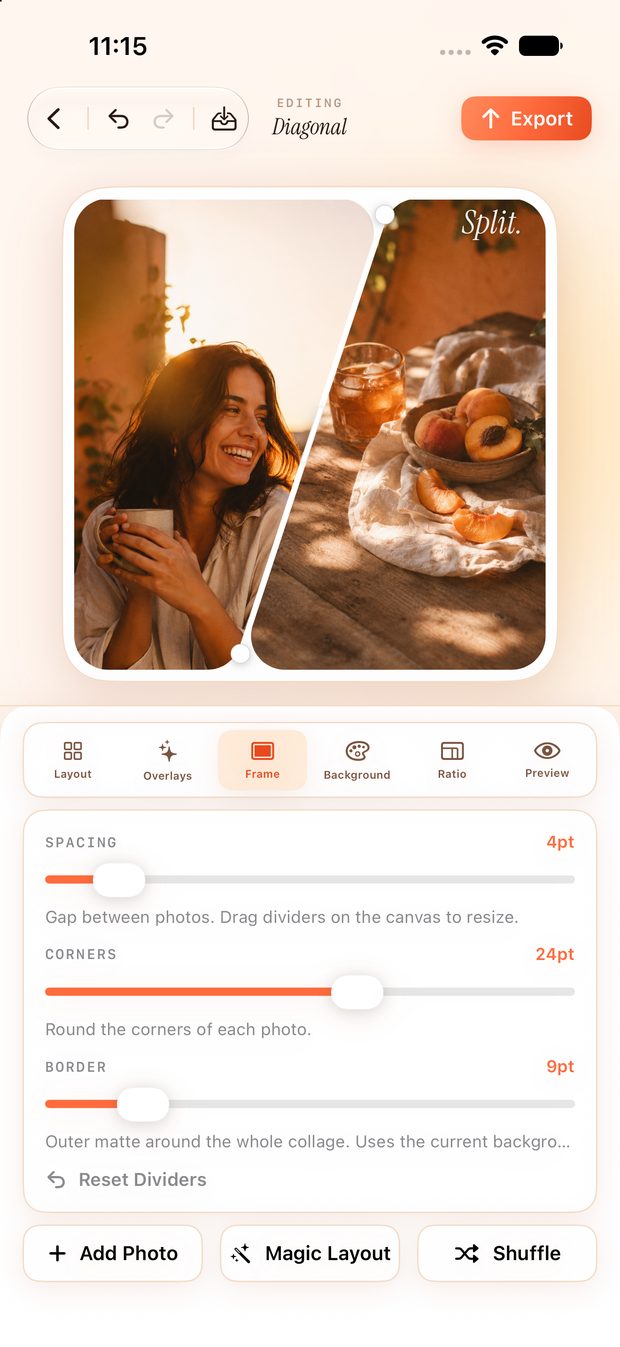
Framed the way you meant it
Drag and pinch each photo into place. Faces centre themselves.
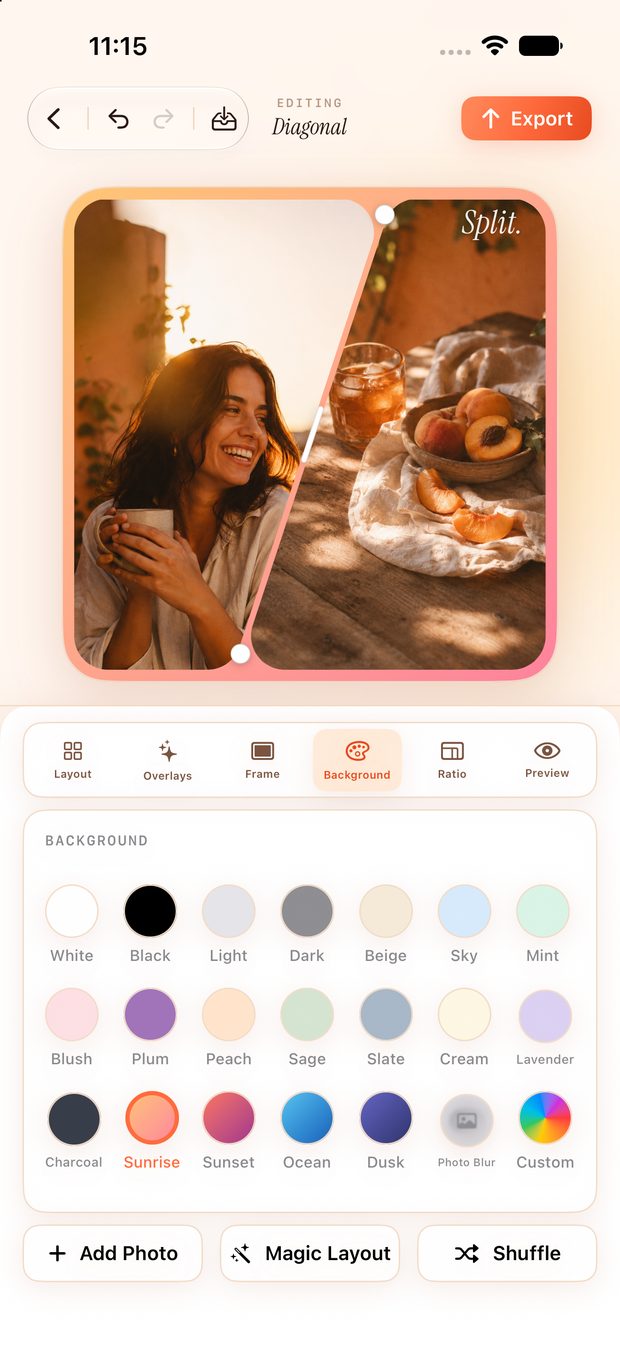
Finish the look
32 text styles, 41 stickers, frames, textures, 21 backgrounds.
Nothing leaves your phone
No account, no ads, no uploads. Made and kept on your device.